01 / Connect
Give the lab a boundary.
Plan the firewall, switch and cables together. The diagram teaches a possible starter layout; your existing network may already cover some roles.
 iCommish Labs
Field guide / 01 · Interactive home lab
One network. One compute host. Room to learn.
Follow the connections, explore each device, and find the checks that matter before you buy.
Compute: choose one tier. You do not need all three PCs.
 Internet / upstream
One host is enough
Separate copies.
Test the restore.
Use what you have / Make it yours
An existing desktop or laptop can be a place to learn. Check its hardware, operating system and recovery plan before changing it. Use the mini-PC tiers when you need a separate host.
Work through the compute decision Desktop
 Laptop
01 / Connect
Plan the firewall, switch and cables together. The diagram teaches a possible starter layout; your existing network may already cover some roles.
02 / Choose
Budget, balanced and advanced are alternatives. The Pi is optional. Compare exact configurations and current software requirements before choosing.
03 / Recover
Keep separate configuration and data copies, then practice a restore. Open the assembly checklist ↗
Controls traffic between the internet and the lab. A separate appliance lets the network keep running while you experiment with compute.
Workload fit: Learning routing and firewall rules.
Planning guide · A retailer listing has not been selected for this role. As an Amazon Associate I earn from qualifying purchases. Purchase links are labelled “paid link”.
Provides the wired connection points. VLAN settings must agree on the firewall, switch and any VLAN-aware endpoints.
Workload fit: Wired lab connections.
Planning guide · A retailer listing has not been selected for this role. As an Amazon Associate I earn from qualifying purchases. Purchase links are labelled “paid link”.
One compute host runs your experiments. Start with a defined workload; the processor name alone does not identify a complete computer.
Workload fit: A focused Linux learning host.
Planning guide · A retailer listing has not been selected for this role. As an Amazon Associate I earn from qualifying purchases. Purchase links are labelled “paid link”.
An alternative to the budget or advanced host. Match the actual configuration to your guests and services before buying.
Workload fit: Linux service experiments.
A current retailer selection is linked in the Gear Room. Confirm its configuration before buying. As an Amazon Associate I earn from qualifying purchases. Purchase links are labelled “paid link”.
An alternative compute host for a more demanding plan. Choose the configuration for the job, with a budget for memory, storage and recovery.
Workload fit: A larger planned VM environment.
Planning guide · A retailer listing has not been selected for this role. As an Amazon Associate I earn from qualifying purchases. Purchase links are labelled “paid link”.
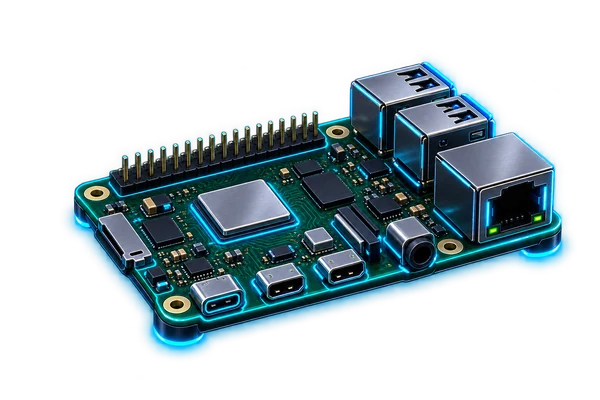
Useful for keeping a small utility separate from the main compute host. You can also run a supported service on your chosen host instead.
Workload fit: Pi-hole after checking its current OS requirements.
A current retailer selection is linked in the Gear Room. Confirm its configuration before buying. As an Amazon Associate I earn from qualifying purchases. Purchase links are labelled “paid link”.
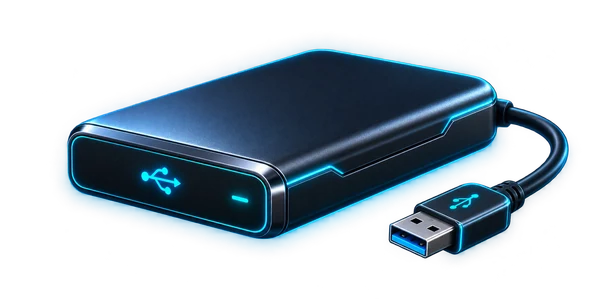
Experiments are easier to recover from when a working copy and a backup are separate. A drive becomes useful recovery storage only with a tested restore process.
Workload fit: Configuration and data copies.
Planning guide · A retailer listing has not been selected for this role. As an Amazon Associate I earn from qualifying purchases. Purchase links are labelled “paid link”.
Explore the lab
Select a device to learn its role, see compatibility checks and open its Gear Room buying guide.
Choose just one of the three compute alternatives.