Home control room
The operator desk is the public control point for OS notes, VM builds, storage, network edge, and lab logs.
BOOT SEQUENCE
ACCESS_GRANTED
READY.
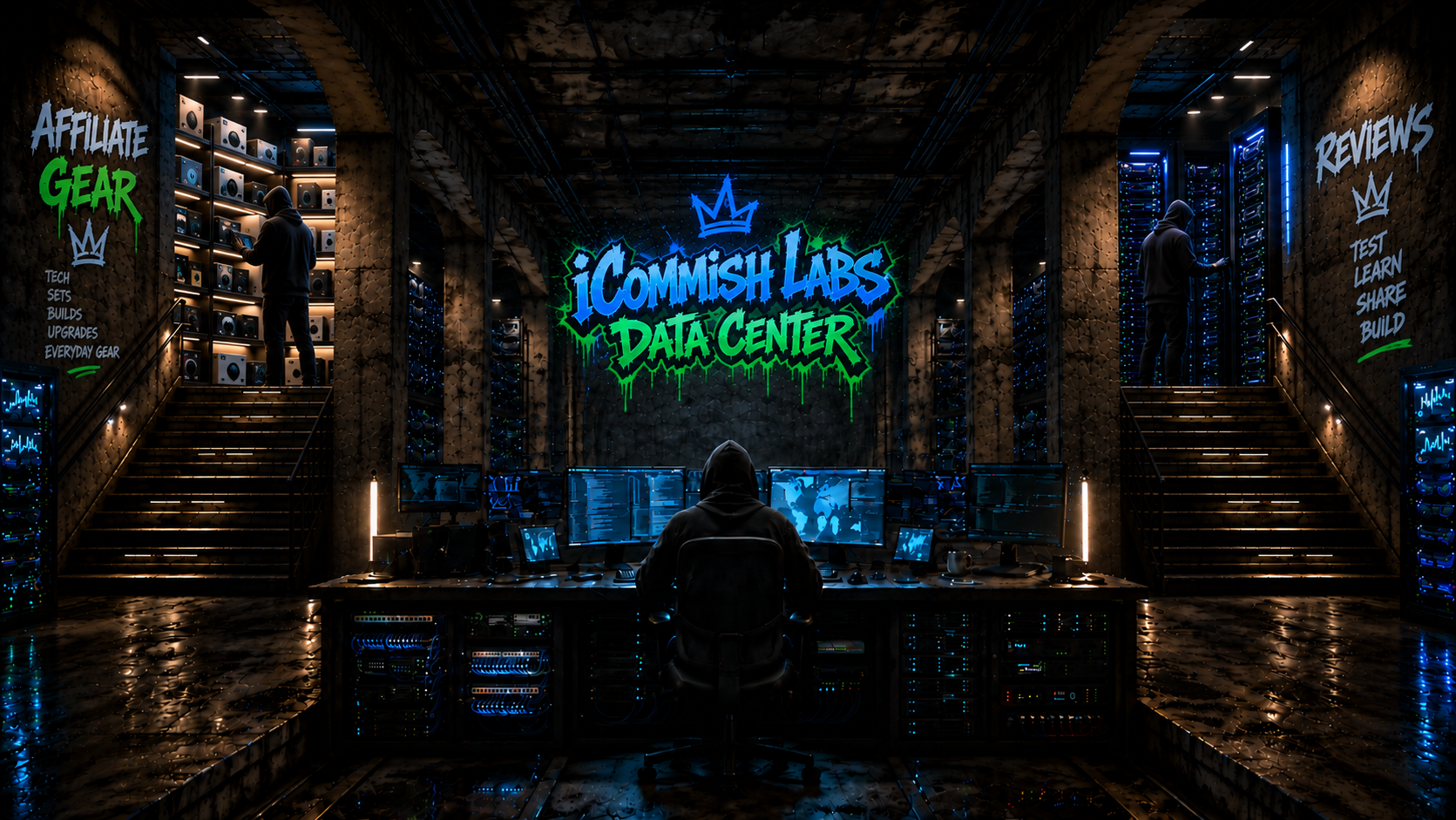
[ access granted / visitor mode ]
A living lab for home infrastructure, defensive security, local AI, and the machines that make it all possible.
Enter the labThe operator desk is the public control point for OS notes, VM builds, storage, network edge, and lab logs.
Server 01 covers virtualized services, Raspberry Pi and M5Stack edge nodes, storage, and home-built systems.
Server 02 covers network edge, NVMe storage, mini PC compute, DDR5 memory, and operator displays.
Open reviews.icommishlabs.com to compare each product against OS, VM, storage, network, and creator workloads.
Open affiliates.icommishlabs.com to browse the hardware, storage, network, compute, and creator tools behind the stack.
Track defensive tooling, access controls, logs, and network visibility across OS and VM layers.
Heavy Codex workflows, local Ollama models, agents, automations, and creator work run on fast local storage.
The creative station routes lab experiments into Framecraft.work, where technical systems become practical digital work.